A connected site gets a score out of 100, five category scores, and a list of open findings. This page explains what each of those is measuring, and which parts to trust.
What the score out of 100 does and does not tell you
The number at the top is a summary, not a verdict. It moves when findings open and close. It is useful for spotting that something changed since last week, and much less useful as an absolute grade.
The findings underneath are the real output. Read those.
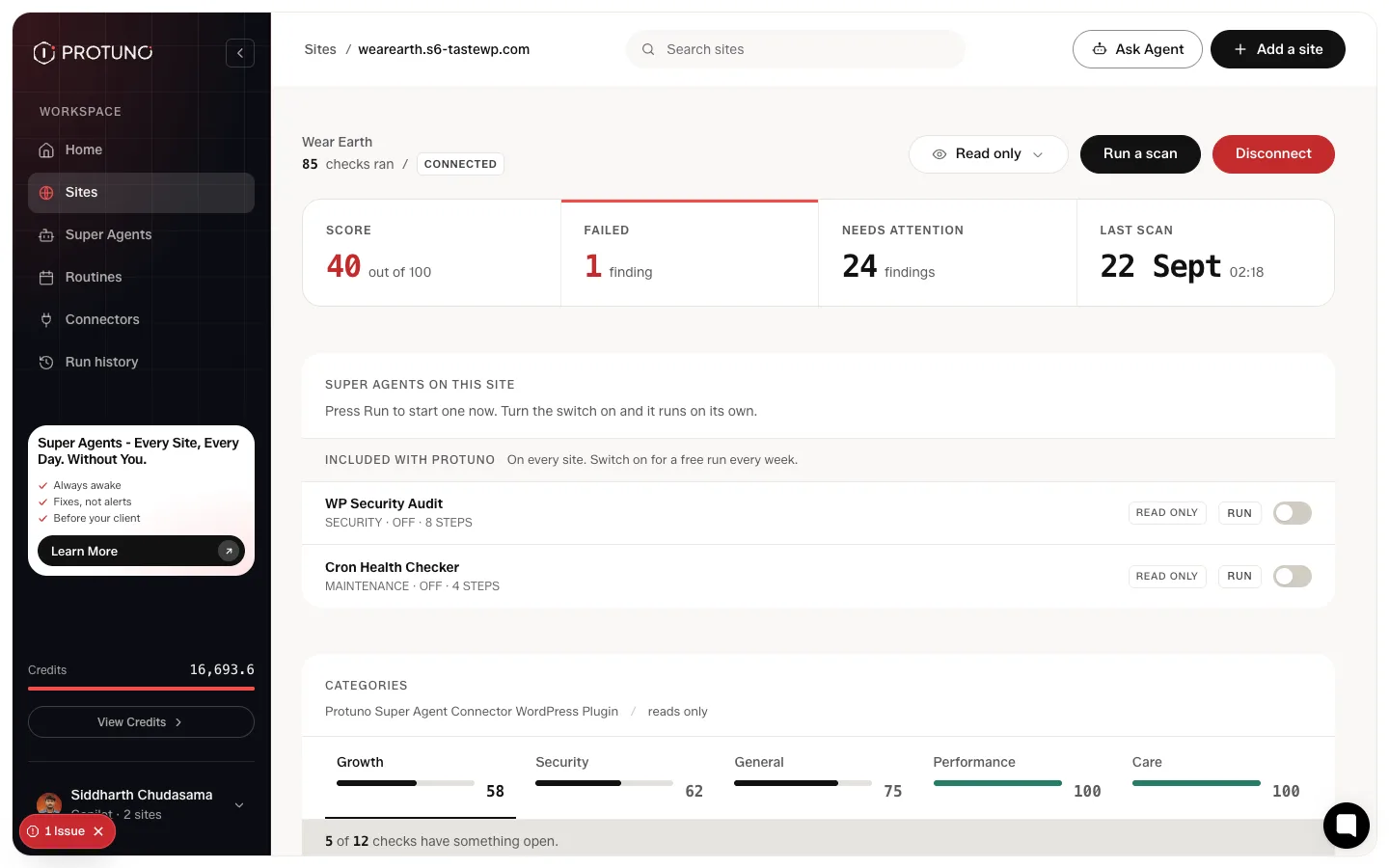
The five report categories
Findings group into Security, Performance, Care, Growth and General, each with its own score and its own list of what passed.
The panel tells you how many checks in that category have something open, then lists every check underneath, including the ones that passed. Passed checks are worth reading. They are the evidence that something was actually looked at rather than skipped.
Fix this, or How to fix
Every finding states what was observed and why it matters, in the same plain register as the audit. Each one carries two buttons.
- How to fix opens the exact change to make, in plain words.
- Fix this hands the fix to your AI app, which checks the issue, tells you its plan and asks before it changes anything. Make it on your staging site, check it there, then move it to your live site in your own way. See Fix a finding in your AI app.
A missing DMARC record is the clearest example. Nothing inside WordPress can publish one, so no amount of access would let Protuno fix it.
A fix does not close a finding by itself. The next scan checks again and decides.
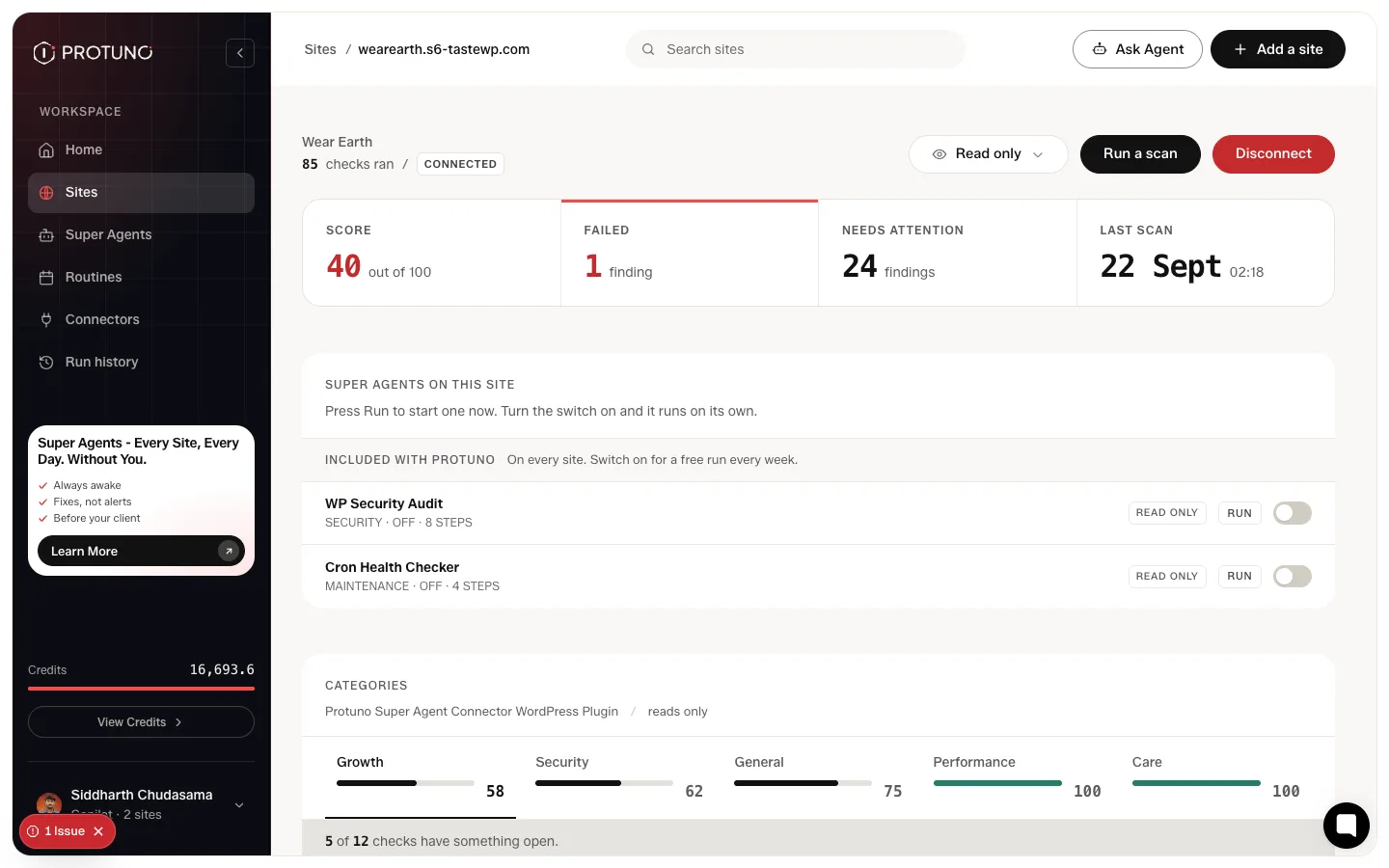
The five severity levels
Findings carry one of five severities: Critical, High, Medium, Low and Info. Critical means something is either already broken or already exposed. A core file that does not match the official WordPress release is critical, because there are only two explanations and one of them is that someone injected code.
Low and Info findings are still worth reading. They are the ones that become a problem later rather than today.
Where to go next
- What Protuno can and cannot change, and how to set a site to read only.
- Run a playbook and read the report, for work that goes beyond a single fix.
- Fix a finding in your AI app.
Leave a Reply